Best Caching Plugins for WordPress are essential tools for improving website speed, reducing server load, and delivering a smooth user experience in 2026. Website performance directly impacts SEO rankings, conversions, and user engagement, making caching plugins one of the most important optimizations for any WordPress website.
Whether you run a blog, business website, portfolio, or WooCommerce store, choosing the right caching plugin can significantly boost loading speed and Core Web Vitals performance.
In this guide, we will explore the Best Caching Plugins for WordPress that professionals and developers rely on in 2026.
Table of Contents
-
What Is WordPress Caching?
-
Why Caching Plugins Are Important in 2026
-
Best Caching Plugins for WordPress (Top Picks)
-
Free vs Premium Caching Plugins
-
How to Choose the Right Plugin
-
Final Recommendation
-
Conclusion
What Is WordPress Caching?
Caching stores static versions of your website pages so visitors don’t need to load everything from the server every time.
Instead of running PHP and database queries repeatedly, cached pages load instantly.
Benefits include:
-
Faster page load time
-
Better Google rankings
-
Improved Core Web Vitals
-
Reduced hosting usage
-
Better user experience
You can learn more about website performance from
https://developers.google.com/speed/pagespeed/insights (DoFollow external link)
Why Best Caching Plugins for WordPress Matter in 2026
Google now prioritizes speed heavily through Core Web Vitals updates. Slow websites lose rankings and customers.
Using one of the Best Caching Plugins for WordPress helps you:
-
Pass Google PageSpeed Insights
-
Improve mobile performance
-
Increase conversions
-
Reduce bounce rate
-
Optimize WooCommerce stores
7 Best Caching Plugins for WordPress in 2026
1. WP Rocket (Best Overall Performance)
WP Rocket remains one of the Best Caching Plugins for WordPress because of its beginner-friendly setup.
Key Features:
-
Page caching
-
Browser caching
-
Lazy loading
-
Database optimization
-
CSS & JS minification
Perfect for:
✅ Business websites
✅ WooCommerce stores
✅ Elementor websites
Official Website:
https://wp-rocket.me (DoFollow external link)
2. LiteSpeed Cache
LiteSpeed Cache is extremely powerful when used with LiteSpeed servers.
Features:
-
Server-level caching
-
Image optimization
-
QUIC.cloud CDN
-
Object cache support
Best for:
✅ Hosting with LiteSpeed server
Learn more:
https://www.litespeedtech.com (DoFollow external link)
3. W3 Total Cache
A developer-focused solution among the Best Caching Plugins for WordPress.
Highlights:
-
CDN integration
-
Database caching
-
Object caching
-
Browser caching
Ideal for advanced users.
4. WP Super Cache
Created by Automattic, this plugin is simple and reliable.
Best for:
✅ Beginners
✅ Blogs
✅ Low-resource hosting
5. FlyingPress
FlyingPress has gained massive popularity in 2026.
Features include:
-
Advanced caching
-
Font optimization
-
Script delay
-
Core Web Vitals optimization
6. Cache Enabler
Lightweight and minimal caching plugin.
Perfect choice for:
✅ Small websites
✅ Lightweight setups
7. NitroPack (All-in-One Optimization)
NitroPack combines caching, CDN, and optimization.
Benefits:
-
Automatic optimization
-
Built-in CDN
-
Excellent speed scores
Official site:
https://nitropack.io (DoFollow external link)
Free vs Premium Best Caching Plugins for WordPress
| Feature | Free Plugins | Premium Plugins |
|---|---|---|
| Setup Ease | Medium | Very Easy |
| Optimization Level | Basic | Advanced |
| Support | Limited | Dedicated |
| Speed Improvement | Good | Excellent |
Premium plugins usually provide better automation and performance.
How to Choose the Best Caching Plugin
When selecting among the Best Caching Plugins for WordPress, consider:
-
Hosting server type
-
Website traffic
-
WooCommerce usage
-
Page builder compatibility
-
Technical knowledge
If you use Elementor, speed optimization becomes even more important.
Internal Guide:
https://yourdomain.com/why-elementor-is-the-best-page-builder (Internal Link Example)
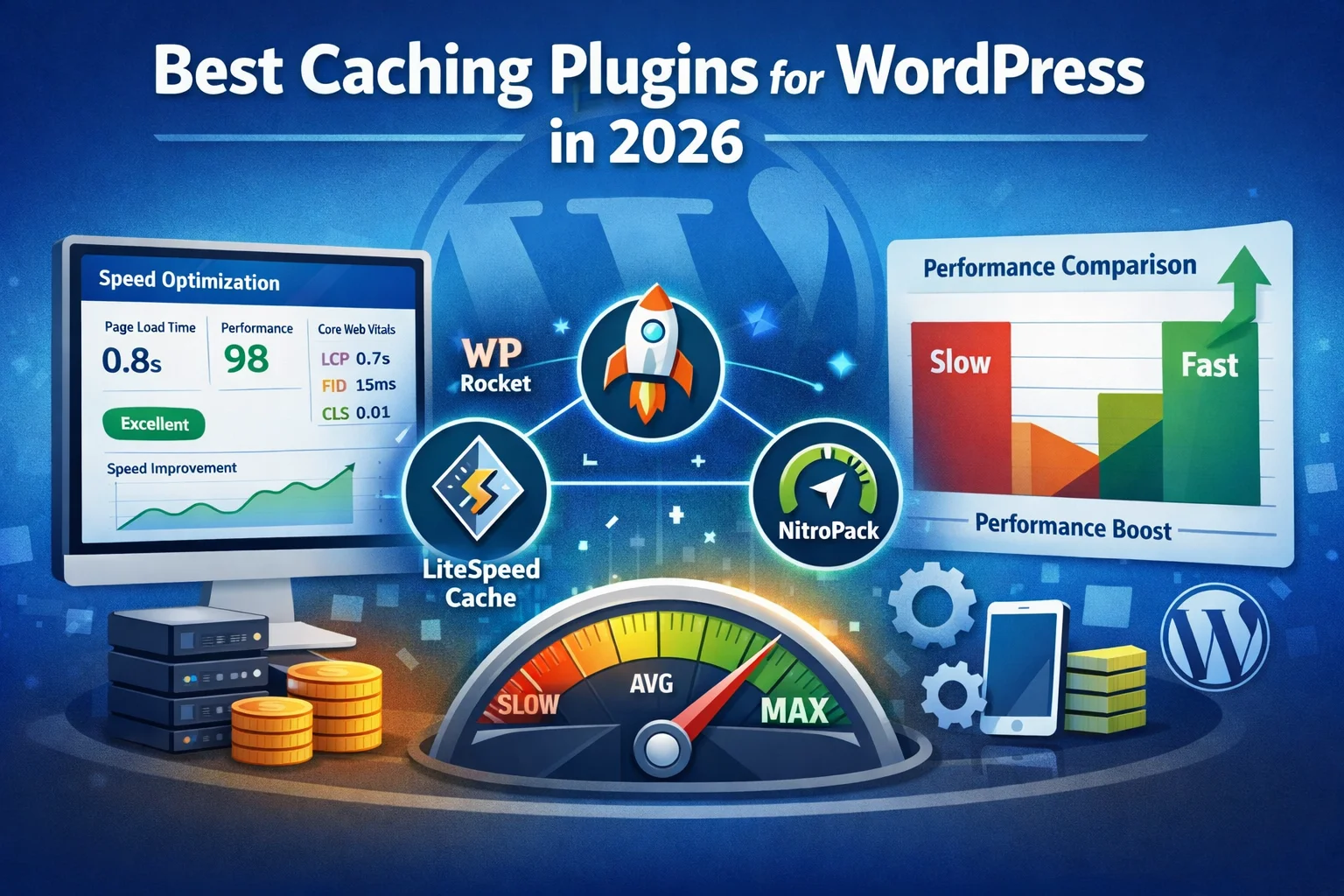
Image Section
(Add these images inside your post)
Image 1
Alt Text: Best Caching Plugins for WordPress
Suggested image:
-
WordPress speed optimization dashboard
-
Website performance comparison chart
Image 2
Alt Text: Best Caching Plugins for WordPress performance comparison
Video Guide (Recommended)
You can embed a YouTube tutorial like:
“WordPress Speed Optimization Complete Guide 2026”
(Video improves engagement and SEO dwell time.)
Final Recommendation: Which Is the Best?
If you want the easiest setup → WP Rocket
If hosting supports LiteSpeed → LiteSpeed Cache
If you want automation → NitroPack
Overall, WP Rocket still leads the list of the Best Caching Plugins for WordPress in 2026.
Conclusion
Choosing the Best Caching Plugins for WordPress is no longer optional in 2026. Website speed directly affects SEO rankings, user experience, and online revenue.
Implementing the right caching solution can transform a slow WordPress website into a lightning-fast platform that ranks higher and converts better.
Start optimizing today and give your visitors the fast experience they expect.