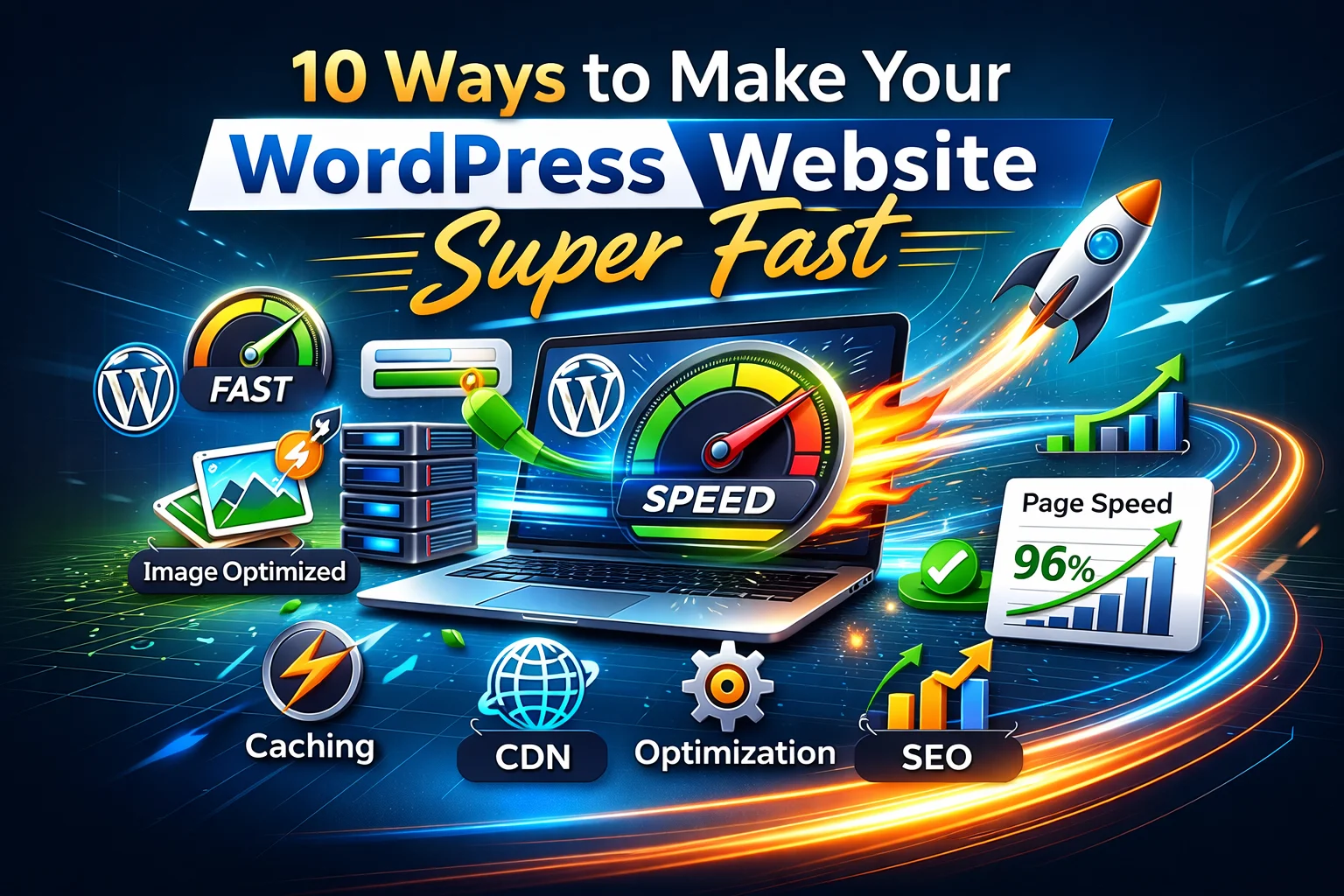
WordPress Website Super Fast performance is essential for better SEO rankings, user experience, and higher conversions. If your WordPress website’s Super Fast strategy is not properly implemented, your site may lose traffic and potential customers. In this guide, you’ll learn 10 proven ways to make your WordPress website super fast and improve overall website performance.
1. Choose a High-Performance Hosting Provider ( WordPress Website Super Fast )
The foundation of a fast WordPress website starts with your hosting. Cheap shared hosting may save money initially but often slows your website as traffic grows. Consider using managed WordPress hosting or high-performance VPS hosting. Providers like SiteGround, Kinsta, or Bluehost specialize in WordPress-optimized servers that deliver speed, reliability, and security.
2. Use a Lightweight Theme
Not all WordPress themes are created equal. Some come loaded with unnecessary features and scripts that slow down your site. Choose a lightweight, optimized theme like Astra, GeneratePress, or Neve. These themes are designed with performance in mind and allow you to add only the features you need.
3. Install a Caching Plugin
Caching plugins can drastically reduce page load times by serving static copies of your content to visitors. Popular caching solutions like WP Rocket, W3 Total Cache, and LiteSpeed Cache not only cache pages but also optimize your database and files for speed. This reduces server load and accelerates your website for repeat visitors.
4. Optimize Your Images
Large, unoptimized images are one of the most common causes of slow WordPress websites. Always compress images before uploading them using tools like TinyPNG or WordPress plugins such as Smush or ShortPixel. Additionally, consider using the WebP format, which offers superior compression without sacrificing quality.
5. Minify CSS, JavaScript, and HTML
Excess code can slow down your website. Minification removes unnecessary characters like spaces and comments from CSS, JavaScript, and HTML files. Plugins like Autoptimize or WP Rocket handle minification automatically, helping your site load faster and reducing file sizes.
6. Enable a Content Delivery Network (CDN)
A CDN stores copies of your website across multiple servers worldwide and delivers content from the server closest to the visitor. This reduces latency and improves loading speed. Popular CDNs include Cloudflare, StackPath, and BunnyCDN. Using a CDN ensures your website performs well for visitors regardless of their location.
7. Optimize Your Database
Over time, your WordPress database accumulates unnecessary data, such as post revisions, spam comments, and transient options. Regular database optimization can improve performance. Plugins like WP-Optimize or Advanced Database Cleaner help you clean up your database, reduce overhead, and speed up queries.
8. Limit Plugins and Scripts
While plugins extend WordPress functionality, too many can slow down your website. Audit your plugins regularly and remove unnecessary or outdated ones. Also, avoid using plugins that load scripts on every page if they’re not needed. Lightweight, specialized plugins are always preferable.
9. Enable Lazy Loading
Lazy loading ensures images and videos load only when they appear in the user’s viewport, rather than all at once. This reduces initial page load time, improves user experience, and saves bandwidth. WordPress 5.5 and above have native lazy loading support, but you can also use plugins like a3 Lazy Load for more customization.
10. Keep WordPress, Themes, and Plugins Updated
An outdated WordPress site can be slow and vulnerable. Developers regularly release updates that include performance improvements and bug fixes. Always keep your WordPress core, themes, and plugins up to date to maintain optimal speed and security.
Bonus Tips for Maximum Speed:
-
Use Gzip compression to reduce file sizes before they reach the browser.
-
Optimize your homepage by showing excerpts instead of full posts.
-
Use a lightweight page builder if you rely on Elementor or similar tools.
Test Your Website Speed
Once you’ve implemented these optimizations, it’s important to test your website speed regularly. Here are some powerful tools:
-
GTmetrix – Detailed performance reports with actionable suggestions.
-
Google PageSpeed Insights – Official tool from Google measuring mobile and desktop speed.
-
Pingdom Website Speed Test – A user-friendly tool for testing load times and performance grades.
Final Thoughts
A fast WordPress website isn’t just about user experience—it’s about conversions, SEO, and credibility. Implementing even a few of these strategies can make a significant difference in your site’s performance. Start with your hosting and theme, then layer on caching, image optimization, and CDNs. Over time, you’ll notice faster load times, happier visitors, and better search engine rankings.
Remember: speed is a journey, not a one-time fix. Regularly monitor your site using the above tools to track improvements and maintain top-notch performance.